Studio Library 🎨
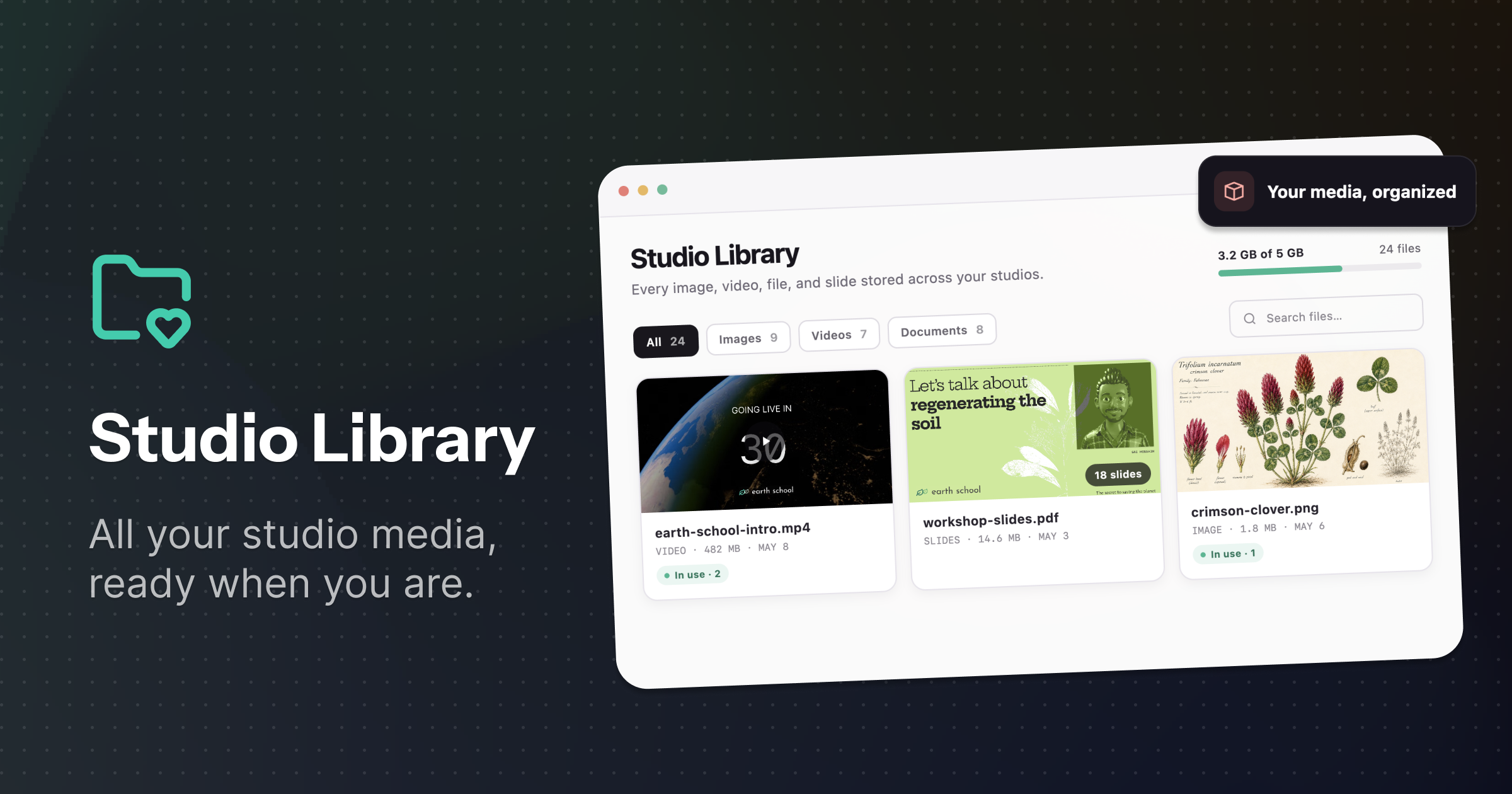
Studio Library brings every image, video, file, and slide stored across your studios into one organized place. Search or filter by file type, preview assets before using them, rename files, and see which events or templates they are already part of.
You can also remove files and studio templates you no longer need to free up space. A clear storage overview shows how much your organization is using and lets you know when it may be time to make more room or increase your storage.
✨ Improvements
- Mark questions as complete without bringing them on stage.
- See browser-specific instructions when camera or microphone permissions are blocked.
- Switch between slides and screen sharing while presenting.
- Toggle microphones more quickly and reliably.
- Present videos using private Vimeo share links.
🐞 Fixes
- Gallery-wide muting now applies consistently.
- Slide state no longer resets unexpectedly when another host makes a change.
- Speakers can upload slides as expected.
- Participant roles remain easier to manage while new chat messages arrive.
- Stage state stays in sync more reliably across hosts and speakers.
- Microphone muting behaves more consistently for everyone on stage.