Fine-tune your captions ✍️
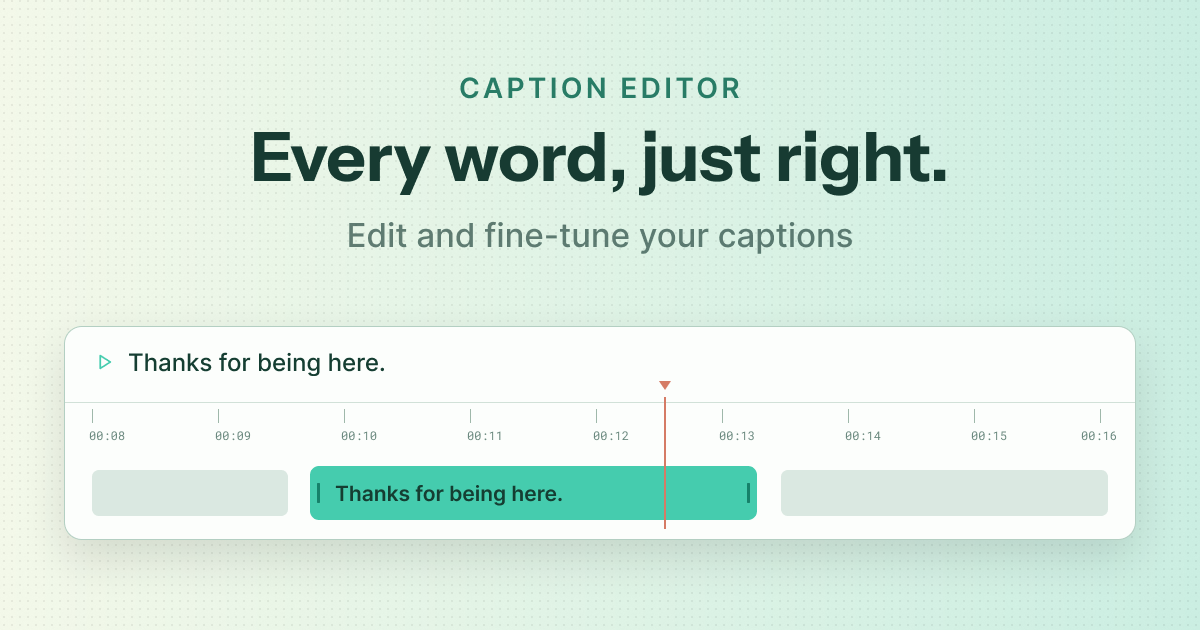
Live captions help people follow the conversation. Now you can make those captions more useful after the event, too.
The new caption editor lets hosts correct generated captions on a replay, adjust their timing, and preview how they appear on screen before publishing the changes. Fix a name, tidy up a sentence, or fine-tune when a caption appears—all within Crowdcast.
You can also download captions as an SRT file to use with your video tools or as a starting point for summaries, follow-up materials, and other content.
To try it: Open a replay that was recorded with captions enabled, then choose Edit Captions or Download Captions from the Options menu.
✨ Improvements
- Better follow-up from attendee exports — CSV exports now include columns for individual calls to action, so you can see which attendees clicked which offer or link.
- A more consistent video player — Live events, replays, and clips now share a more consistent set of controls and playback behavior.
- Easier sharing for password-protected events — Hosts can share an event link that pre-fills the event password for attendees.
- Audio-only greenroom entry — Speakers can enter the greenroom without a camera.
🐞 Fixes
- Fixed missing audio when trimming certain clips.
- Turning captions off no longer interrupts live playback.
- Replay controls fit more reliably on narrower screens.
- Improved registration completion for free tickets and checkouts with no payment due.